
QR code ordering system for restaurants and bars. More orders in the rush, same team.
A QR code ordering system for restaurants, bars and cafés: guests tap the NFC display or scan its QR code, order from their own phone with no app, and the ticket lands on the kitchen display in your staff portal. Your team makes orders instead of chasing them, and your servers and paper menu stay.
Or book a 15-minute call. Set up in person across NYC, from $297 a month, no commission.
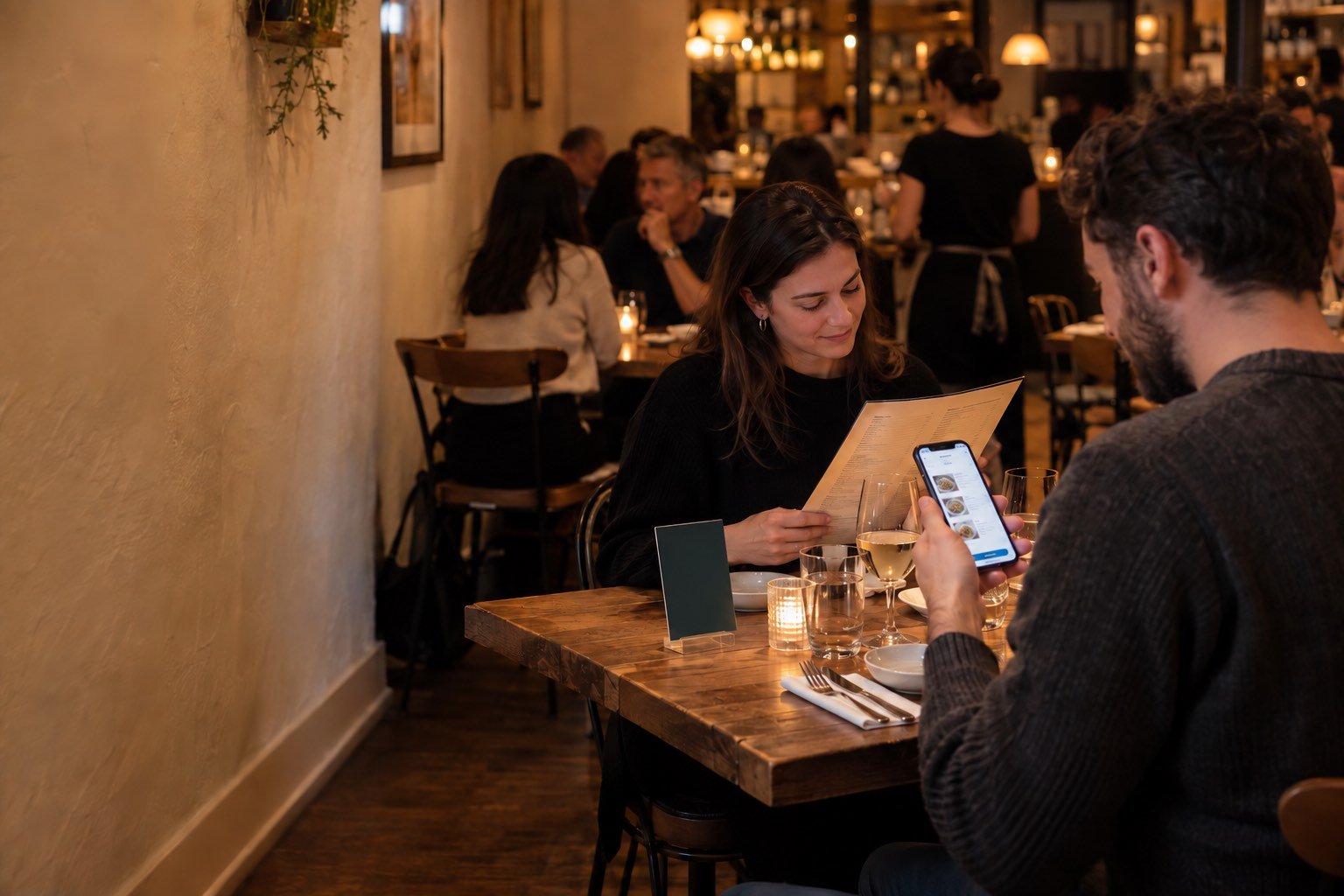
What a QR code ordering system is.
A web menu, printed codes that open it, and a staff screen where orders land, each ticket labeled with its table. A QR menu only shows the menu; an ordering system gets the order to the people making it while the guest is still thirsty.
- Sell the next round when you're slammed. The table that wants another drink or a dessert orders it now, not when someone walks past.
- More orders, same team. Less walking to take orders, more making, running and hosting.
- Fewer mistakes. Every size, swap and modifier arrives written out on the kitchen display.
Tap2Order pairs every QR code with an NFC tag: see "What is tap to order?"
Where QR ordering earns its place.
Wherever guests wait to order and staff can't be everywhere at once.
- Bars where the rail is three deep and tables wait for the next round
- Clubs and lounges too loud to order by voice
- Restaurants that want the add-on without waiting for a server
- Cafés with a counter line in the morning rush
- Breweries with big patios and changing tap lists
- Food trucks taking orders from the whole line
- Quick-service spots that need a clear pickup point
In the city? Tap-to-order in NYC covers in-person setup in all five boroughs.
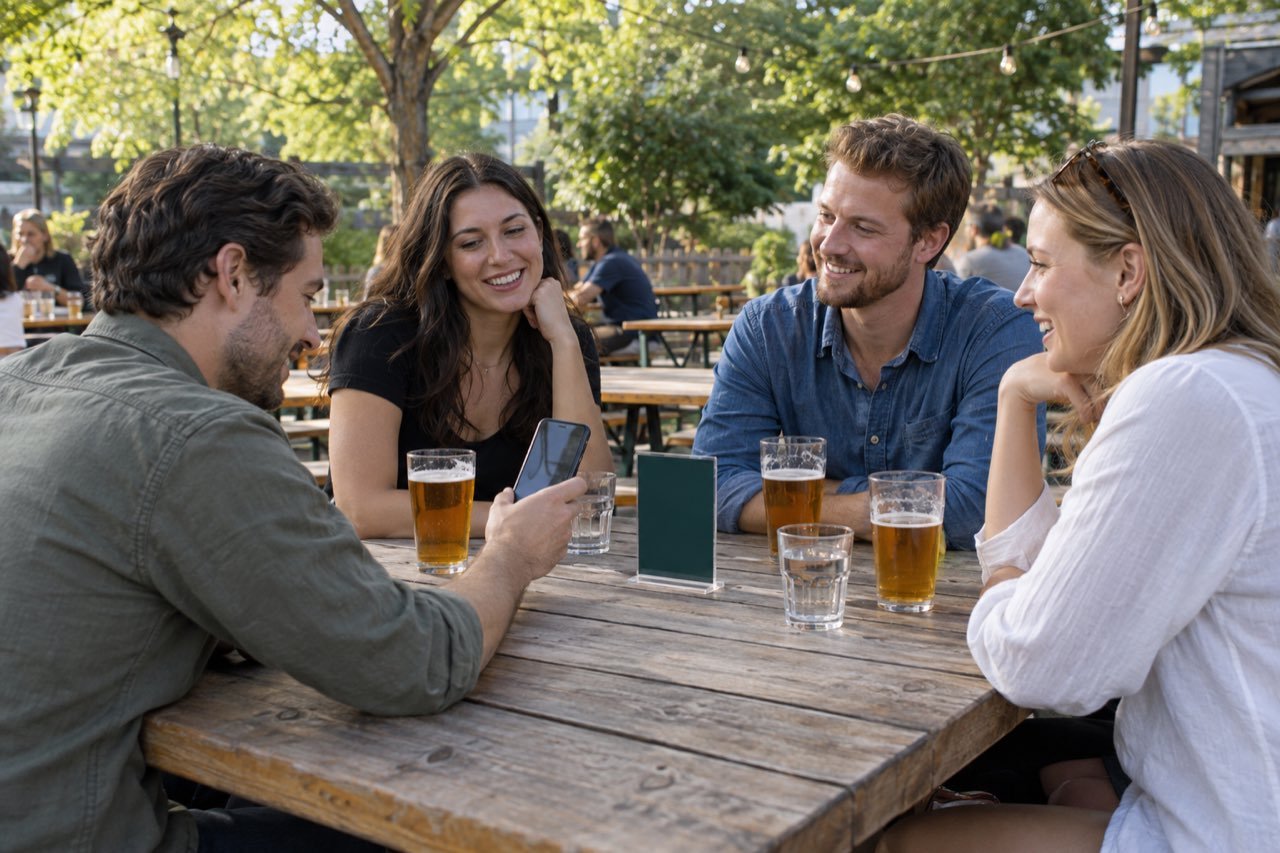
Do guests like QR ordering? Yes, when it's their choice.
Guests dislike forced QR menus: 58% of Americans told Ipsos they would like paper menus back (industry research, Ipsos, 2025).
So Tap2Order is an option, not a replacement: the server still greets the table and the paper menu stays.
| Factor | Server takes the order | Guest taps or scans to order |
|---|---|---|
| When the guest can order | When a server reaches the table | Any time, from their seat |
| How the order is recorded | Spoken, then keyed in | Written by the guest, modifiers selected |
| Recommendations and allergies | Natural and personal | Menu text; staff confirm allergies |
| Busy periods | Limited by servers on the floor | Many tables order at once |
Use both: the server takes the first order, the display the second drink and the dessert. More on the bar ordering system page and in why bars lose money on Friday nights.
How QR code ordering works.
Tap or scan
The guest taps the NFC display on the table, rail or counter, or points the camera at its QR code and taps the link that appears.
Order in the browser
Your menu opens as a web page tied to that table. Items, sizes, modifiers, send.
The ticket hits the kitchen display
It arrives instantly in the kitchen and bar view of your staff portal, on a tablet, laptop or phone you already own.
Item runs out? Mark it sold out in one tap and it disappears from the menu behind every display.
What a QR code ordering system costs with Tap2Order.
A flat monthly fee with no per-order commission and no hardware to buy. Printed NFC and QR displays are included.
- Essential Core, $297 a month: take every order and keep the floor in control, with the live kitchen display, pause and sold-out.
- Growth Engine, $597 a month (Recommended): sell more per guest and waste less, with upsells, stock that counts itself and the Algorithm pacing the kitchen.
- Pro Command, $997 a month: run up to 5 locations on numbers, from the demand forecast to food cost and labor.
- Group HQ, custom: 6 or more locations and franchises.
The $599 setup fee is waived for every customer who signs by December 31, 2026 (payable if you cancel in the first quarter). Billed monthly, a 3-month first term, then quarter to quarter. Full plan details are on the pricing page.
Example: Core is about $10 a day. One extra $14 round a day pays for it. A worked example, not a result.
A free QR menu maker or a QR code ordering system?
A free QR menu puts your menu behind a code. That may be all you need. Taking the order and getting it to the kitchen is a different job.
| What you need | A QR menu (a menu PDF behind a code) | A QR code ordering system like Tap2Order |
|---|---|---|
| Guests can send an order | No, they still wait for a server | Yes, from their seat |
| The order reaches the kitchen or bar | Only when staff take it | Instantly, on the kitchen display |
| Modifiers written out | No | Yes, as the guest chose them |
| Items marked sold out | Edit and re-upload the file | One tap, every display updates |
| How guests open it | Scan the code | Tap the NFC tag or scan the QR code |
Already on Square or Toast and weighing their ordering tools? See Tap2Order vs Square and Tap2Order vs Toast.
How Tap2Order pairs QR with NFC.
Every display carries an NFC tag and a QR code that open the same browser menu. NFC phones tap; everyone else scans.
- Placed in person. In NYC, a uniformed Tap2Order team member programs and places the displays on tables, bar rails and counters, then trains your staff.
- Live in 7 days. "Live within 7 days of your onboarding call, once we have your menu and venue details. If we miss it, your next month is free."
- More displays. An extra pack of 10 programmed NFC displays is $149 one-time.
Which one will your guests use? Read NFC vs QR code ordering.
QR code ordering best practices.
- Placement. Table center, bar top in front of each seat, eye level by a counter line; one code per table, with "Tap or scan to order" beside it.
- Printing. Denso Wave, which created the QR code, calls for a four-module margin on all sides; higher error correction levels survive spills and scratches. Test on several phones from a seat.
- Fallback. Keep ordering from staff open, add NFC for when the camera struggles, and check signal on patios.
- Accessibility. Real text, not menu images; large-text and screen-reader friendly; buttons at least 24 by 24 CSS pixels (WCAG 2.2); never color alone for sold out.
- Tampering. The FTC warns scammers cover real QR codes with their own. Check codes at opening and use displays that are hard to sticker over.
QR code ordering FAQ.
Is there a free QR code ordering system?
Free QR menu makers let guests read the menu; a server still takes the order. A QR code ordering system also sends the order to your kitchen or bar. Tap2Order's price is in the cost section above.
Do guests need an app?
No. The menu opens in the phone's browser after a tap or scan. No app download and no guest account.
Does it work with Square or Toast?
You keep your POS. Tap2Order runs next to Square, Toast or any other POS. Orders arrive on the kitchen display in the Tap2Order staff portal; there is no built-in Square or Toast integration.
What if a guest can't scan the code?
Staff take the order directly. The NFC tag on the same display gives a second way in without the camera.
Related guides.
Scan it yourself.
Send a sample order from your phone and watch it reach the kitchen display. No signup.