
Fewer trips to take orders. Every ticket in writing.
Tap to order for staff at bars, cafés and restaurants: guests tap an NFC display or scan the QR code, order from their own phone with no app, and the ticket lands on the kitchen display written out, modifiers and allergens included. Less waving and shouting across the room, more time for the guests in front of you.
Or book a 15-minute call and bring a bartender, server or kitchen lead.
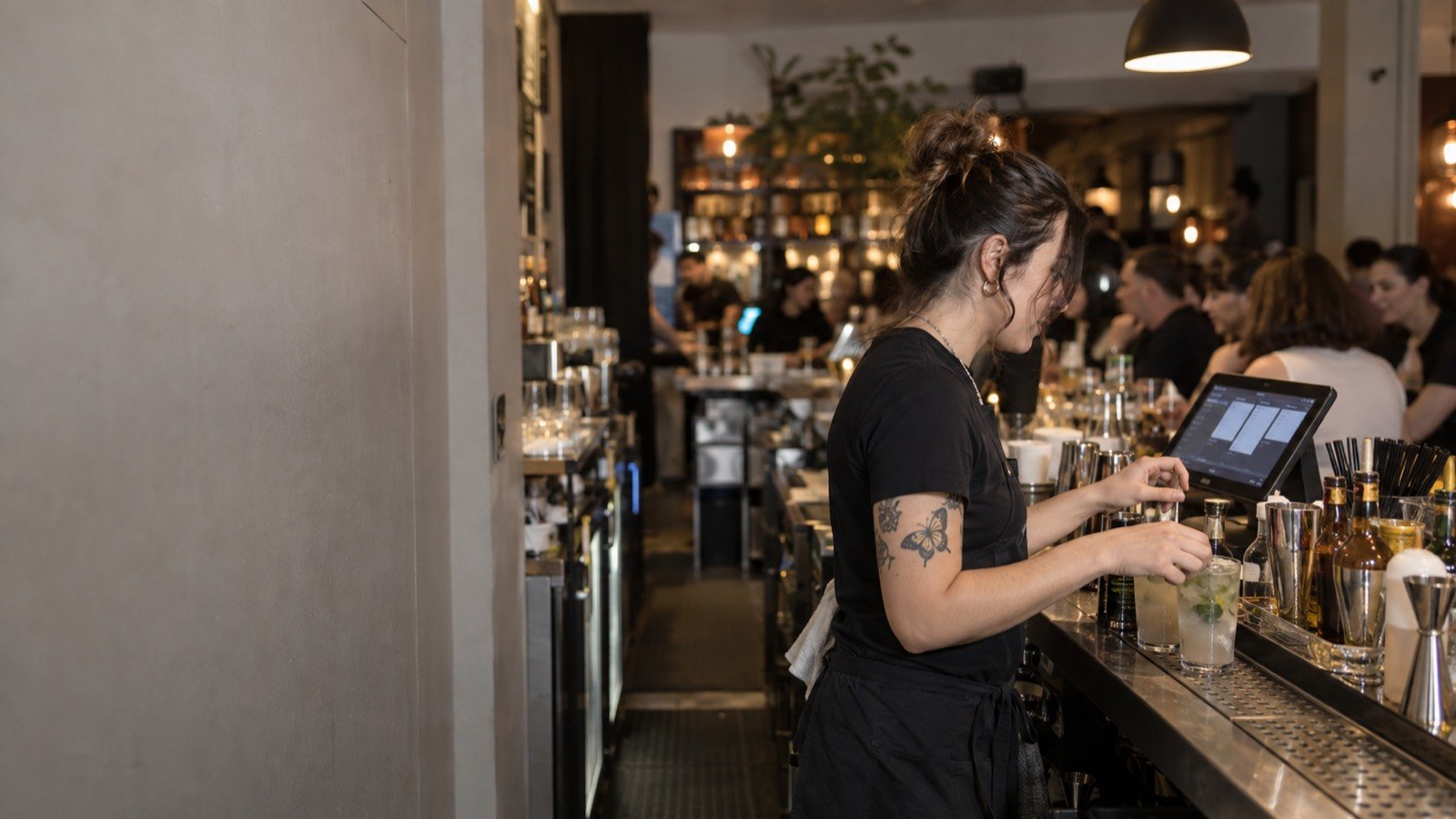
Map the handoff before adding a new channel.
When a guest sends an order, who sees it? Who confirms an unusual request? Who handles a change after it's sent? Those answers matter more than a feature list. What staff get on the kitchen and bar display:
- A chime for every new ticket, so nothing sits unseen.
- Tickets that move New, In progress, Ready, and an order-ready alert to the guest's phone.
- Pause ordering in one tap when the kitchen is buried, and mark an item sold out in one tap so nobody orders what you can't make.
During onboarding we set up the queue, alerts and staff roles with your team, and train them in person before launch night.
Keep human decisions with the team.
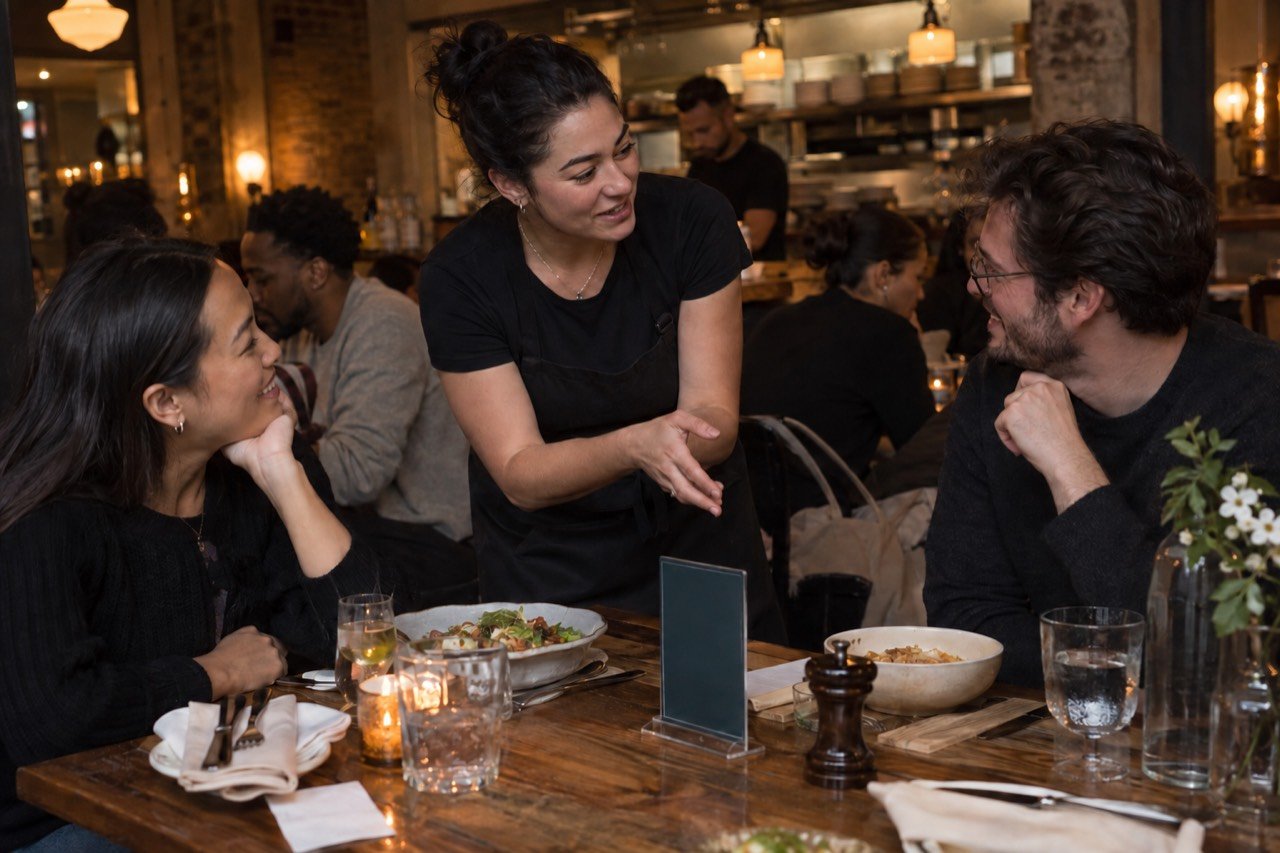
- Staff answer questions and help guests who don't want to use a phone.
- Allergies and special requests follow your safety process.
- Bar teams keep age checks and responsible service.
- Managers decide when digital orders pause or change.
Let the people on shift test the exceptions.
Before changing service, have a server, bartender, kitchen lead and manager run the same order from start to finish. These cases show whether the new path saves work or just moves it:
- Where it lands. Where the request appears, what sound marks it and who accepts it.
- What goes wrong. Correcting a modifier, an item that just ran out, a guest who doesn't use a phone.
- Who watches the screen. One role for digital orders each shift, with a backup when that person is busy.
- What changed. Ticket clarity, corrections, handoff time and interruptions over a short trial, and a direct route for staff to flag confusing menu wording.
A system that only works with a manager standing beside the screen isn't ready for a normal shift. The order accuracy guide has the full exception checklist.
Put the staff workflow in the demo conversation.
Bring the people who run the floor. We'll walk them through the staff portal before launch.