
NFC vs QR code ordering: which is better?
NFC vs QR code ordering, for bars, cafés and restaurants: an NFC tap is the quicker start on phones that support it, and a QR scan works on almost any phone with a camera. Both open the same menu in the phone browser with no app, and the order reaches the kitchen display either way, so the safest display offers both.
Or book a 15-minute call. Tap2Order displays carry both, placed in person in NYC.
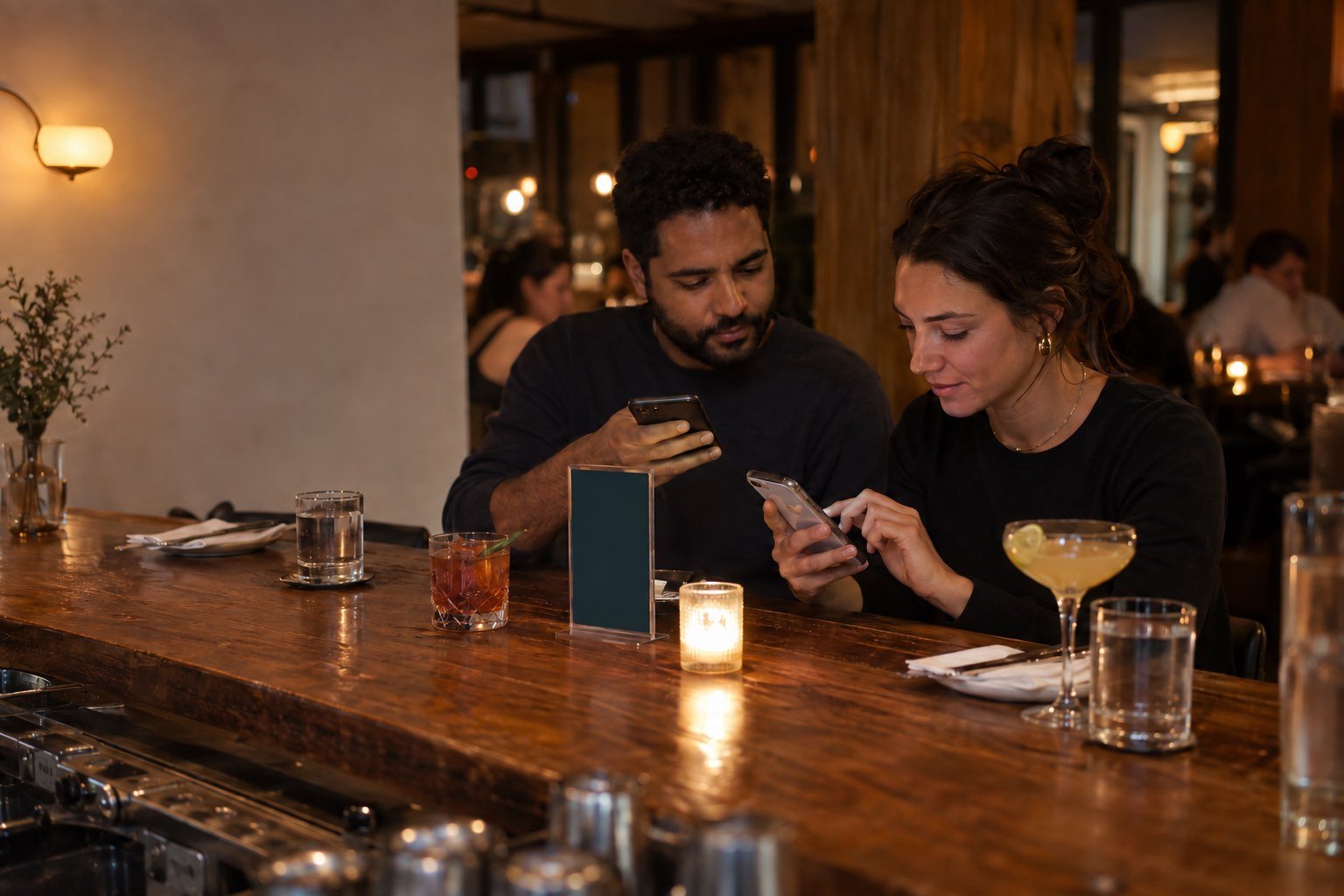
NFC vs QR code ordering compared.

Both just open a link. The menu, the order and the handoff to staff are the same; the difference is the first step. The bigger picture is in "What is tap to order?"
| Factor | NFC tap | QR code scan |
|---|---|---|
| How the guest starts | Hold the phone near the tag, tap the notification | Open the camera, frame the code, tap the link |
| Steps | Fewer: no camera to open or aim | A few more: open, aim, focus |
| iPhone | XS and later read tags in the background (Apple) | Built into the Camera app (Apple) |
| Android | Phones with NFC hardware, unlocked, NFC on | Many camera apps; Google's QR mode on selected devices |
| What can stop it | NFC off or missing; on iPhone, camera or Wallet in use | Low light, glare, damage, a camera that won't focus |
| Range | Typically 4 cm or less (Android) | A normal seated distance |
| Wear | No pattern to scratch; the tag can be moved | Spills and stickers can make a code unreadable |
| Cost | A tag inside a card or stand | Just printing |
We count steps, not seconds: Tap2Order does not publish speed tests.
How iPhone and Android handle NFC tags today.

Both read a web link from a tag without an app, and both now show a prompt the guest taps before the page opens: the same kind of step a QR scan needs.
- iPhone. Apple says iPhone XS and later support background tag reading: a notification appears and the link opens in Safari. It won't read while the camera or Apple Pay Wallet is in use or in airplane mode, so a guest with the camera already open simply scans.
- Android. Per Android's NFC basics, phones look for tags when unlocked with NFC on; from Android 17 an "open link" notification comes first. The NFC overview gives a range of 4 cm or less. Some phones have no NFC and some owners switch it off: those guests need the QR code.
- QR on both. iPhone scans from the Camera app or Control Center; on Android, Camera from Google has a QR mode on selected devices, and Google Lens and many other camera apps read codes.
When NFC wins, and when QR wins.
NFC is the better start when
- Guests sit right at the display: a bar top or small table.
- The room is dim and cameras struggle to focus.
- Regulars have learned to tap for the next round.
QR is the better start when
- The phone has no NFC, or it's switched off.
- The code must read from farther away, on a wall or queue sign.
- First-time guests don't know to tap.
Bars and breweries see close-range repeat orders where a tap suits. Quick-service counters and food trucks need a code readable from the line.
Why offering both is the safest choice.
- No guest left out. No-NFC and first-time guests scan; regulars skip the camera.
- One menu to maintain. Both open the same browser menu, so a price or sold-out change shows everywhere at once.
- A fallback on every table. If a code is scratched or covered, the tag still works, and the other way round.
- A person, too. Staff can always take an order directly.
Placement, printing and accessibility are covered in the QR code ordering system guide; the NFC ordering explainer walks through a floor test before launch.
How Tap2Order handles NFC and QR.
Every Tap2Order display carries an NFC tag and a QR code that open the same menu, with no app download and no guest account, and the printed displays are included with every plan. In NYC, a Tap2Order team member programs and places them and trains your staff, and orders arrive in the staff portal on any tablet, laptop or phone you already own. From $297 a month with no per-order commission: see pricing or NYC tap-to-order.
NFC vs QR ordering FAQ.
Is NFC or QR better for restaurant ordering?
Offer both. NFC is the quicker start on supported phones; QR works on more phones and from farther away. Both open the same menu.
Can iPhones read NFC tags without an app?
Yes. iPhone XS and later read tags in the background; tapping the notification opens the link in Safari.
Why didn't my iPhone react to the NFC tag?
Background reading pauses while the camera or Apple Pay Wallet is in use, or in airplane mode. Close the camera and tap again, or scan the QR code.
Is NFC more secure than a QR code?
Neither is automatically safer. Both open a link, and either can be covered by a fake sticker. Check displays at opening and make sure the link belongs to your venue or provider.
Does Tap2Order use NFC or QR?
Both, on every display, opening the same browser menu.
Related guides.
Sources.
Phone support verified September 2026 from official documentation: Apple Developer, Adding support for background tag reading; Apple iPhone User Guide, Scan a QR code; Android Developers, NFC basics; Android Developers, NFC overview; Google, Scan QR codes on Camera from Google.
Tap it, then scan it.
Try both entry points on a sample menu. No signup.