
NYC's tap-to-order system for independent hospitality.
Tap-to-order for NYC bars, cafés and restaurants: guests tap an NFC display or scan the QR code, order from their own phone with no app, and the ticket lands on your kitchen display. Try the interactive demo, then talk through what fits your floor.
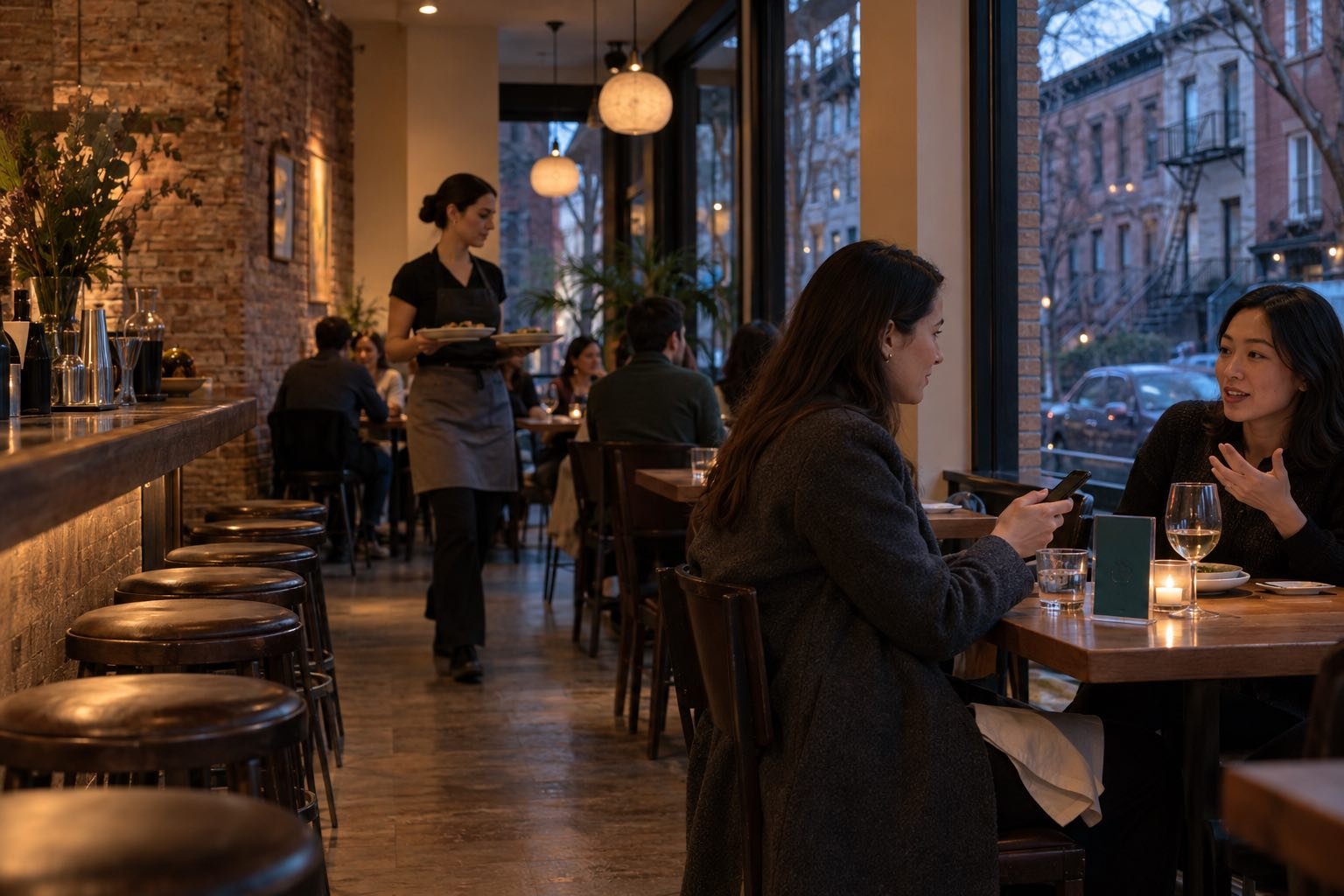
Guests order from their phones. Your staff keep serving.
A quick lunch, a packed bar and a full-service dining room all handle guest timing differently. In New York City, all three can sit on the same block.
Tap2Order's browser-based ordering lets guests review and submit choices from their own phones, with no app to download. Staff remain central to service. Every order lands on the kitchen display, the staff portal's live view on a tablet or screen you already own, so NYC kitchens work from a written ticket. We set it up around your menu, kitchen handoff, accessibility needs and how guests already order.
It is an extra way to order, not a replacement: guests who want a server still get one, and the paper menu stays on the table. What it buys you is the next round in the rush, taken by the team already on shift instead of a guest giving up on waving someone over.
Try the sample guest and kitchen flow →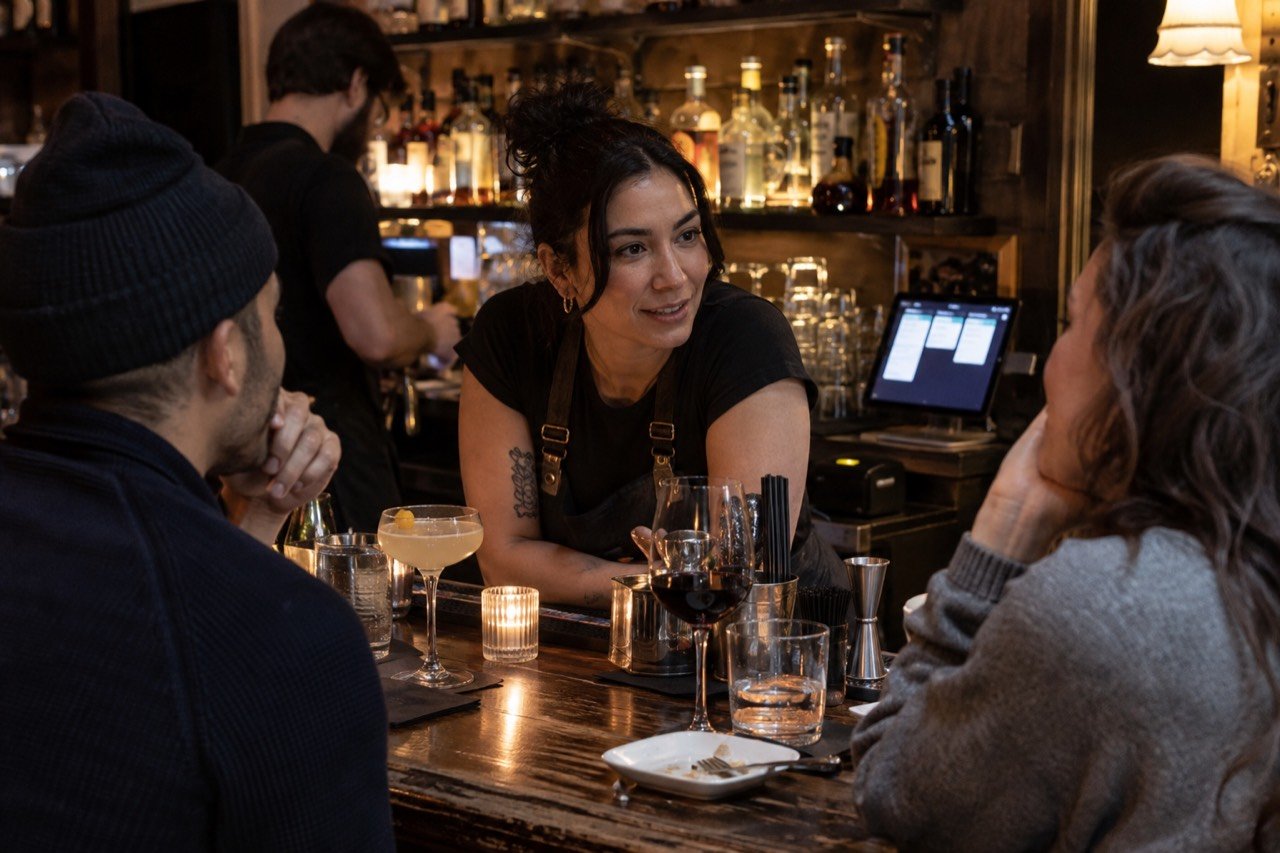
Why New York venues look at tap-to-order.
New York venues deal with heavy visitor traffic, compact rooms and seats spread onto sidewalks and roadways, so the bottleneck is often how quickly a guest can reach a staff member. Tap-to-order gives guests a second way to order without adding hardware. It works on the phone a New Yorker or a visitor already carries, with no app to install.
- Visitors who don't know your menu. New York City draws guests from across the country and around the world all year, and many see your menu for the first time. Multi-language menus on the Growth Engine plan let guests read and order in their own language. Tourists can scan the QR code and order in a New York dining room with no app and no account.
- Outdoor seats far from the bar. NYC DOT's Dining Out NYC program allows sidewalk cafés year-round and roadway cafés on a seasonal (April 1 to November 29) or year-round basis depending on the license (Dining Out NYC FAQ). A display at each outdoor table saves staff the first walk. Guests at New York sidewalk and roadway tables order by NFC tap or QR scan without waving anyone over.
- Small footprints. There are no terminals, kiosks or leased tablets. Printed NFC and QR displays are included, and the staff portal runs on devices you already own. A tablet you already have can serve as the kitchen display, which matters when every NYC counter inch is spoken for.
- Food trucks with limited places to park. City guidance says a mobile food vending unit may not operate from a metered parking spot or on a sidewalk under 12 feet wide (NYC Business, Street Vending in NYC). When a truck finds a legal spot, a display by the window keeps the line moving. On a busy New York curb, guests scan the QR code while the line forms.
- A labor-heavy market. Industry figures from the New York State Comptroller put New York City restaurant and bar employment at nearly 280,000 jobs in 2024, with more than $11.4 billion in wages, across more than 23,000 establishments (Office of the New York State Comptroller, July 2026). When wages are the cost you manage most closely, the useful question is how many orders the same team can take in a rush. Tap-to-order adds an ordering path without adding a shift, and every order reaches the kitchen display written out. Food cost works the same way: in a city this expensive, a case of wings in the bin or a heavy pour hits the month hard, so Growth shows waste in dollars and Pro Command shows live food cost % per item and per location.
- Rushes that differ by neighborhood. An office lunch in FiDi, a taproom weekend in Bushwick and a game day near Yankee Stadium each strain a different part of service. The borough guides below go into each one.
How the five boroughs differ.
Each borough has its own venue mix and its own pressure point. The setup, pricing and launch guarantee are the same across NYC; the service problem you are solving is not.
| Borough | Common venue mix | Typical pressure point | Guide |
|---|---|---|---|
| Manhattan | Office lunch counters, pre-theater dining, after-work bars, rooftops and hotel bars | Short service windows and tight rooms | Manhattan tap-to-order |
| Brooklyn | Taprooms, cocktail bars, cafés, brunch rooms and outdoor seating | Keeping an independent look while orders speed up | Brooklyn tap-to-order |
| Queens | Family-run restaurants, bars and beer gardens, venues near Citi Field and the airports | Guests who read different languages, and event-day surges | Queens tap-to-order |
| The Bronx | Family restaurants around Arthur Avenue, Fordham Road counters, game-day bars | Regulars, value and thin margins | Bronx tap-to-order |
| Staten Island | Pizzerias, family restaurants, bars near the St. George ferry terminal | Dine-in, counter and phone orders at once | Staten Island tap-to-order |
Find tap-to-order for your corner of NYC.
These guides discuss venue conditions and questions in each borough.
Every borough page covers local venue types, service patterns and a borough-specific FAQ. In-person setup and the 7-day launch guarantee apply in all five. Together they cover all of New York City, from the Bronx to the South Shore of Staten Island.
Built for how busy NYC venues actually run.
From Bushwick to the Bronx, built for every venue type.
The same NFC and QR ordering system behaves differently in a bar, a café or a food truck, because the handoff after the order is different. Pick the guide closest to your service. Each one is written for independent NYC venues.
- Bars and lounges: guests order the next round from the table or rail, and every drink lands in the live bar view.
- Cafés and coffee: long, customized drink orders go in written out, so the barista stays on the machine.
- Restaurants: guests order when they are ready instead of when a server is free, and add dishes through the meal, each one reaching the kitchen display written out.
- Food trucks: a display by the window lets the queue read the menu and order before reaching the front.
- Quick service and steam tables: the sales dashboard shows what sells by hour, which helps plan prep for the lunch peak.
- Breweries and taprooms: update a rotating tap list in the staff portal at any time.
- Nightlife and clubs: guests order the next round from the booth or rail, and the ticket lands on the live bar display.
For how staff experience the portal, read Tap2Order for staff. For how written orders reduce mix-ups, see order accuracy. For the wider picture, read the case for Tap2Order.
From onboarding call to first order.
Live within 7 days of your onboarding call, once we have your menu and venue details. If we miss it, your next month is free. The clock starts at the onboarding call, not at purchase, and the guarantee applies to NYC venues in all five boroughs.
Onboarding call
We learn your venue: menu, tables, service style and where each order is handed off.
Menu and venue details
You send your current menu, prices, options and table layout. The 7-day window runs once we have them.
In-person setup
A uniformed Tap2Order team member comes to your venue, programs and places the printed table displays and gives a quick in-person demo. That visit happens wherever you are in New York City.
Staff training
Your team learns the staff portal, with a walkthrough of exactly what they need to know.
Live
Guests tap or scan and order. An NFC tap or a QR scan opens the menu, with no app and no account. You keep a designer-made table display and a poster pointing to your ordering site.
Plans and pricing for NYC venues.
Three plans, billed monthly: Essential Core $297, Growth Engine $597 and Pro Command $997. The $599 setup fee is waived for every customer who signs by December 31, 2026. Every plan includes the in-person setup, staff training and printed displays. Prices are the same in every New York City borough.
| Plan | Monthly | Annual prepay | What it adds | Support |
|---|---|---|---|---|
| Essential Core | $297 | $2,970 per year | Guest ordering by NFC and QR, staff portal on any device, live orders, kitchen view, menu management, sales dashboard | |
| Growth Engine (Recommended) | $597 | $5,970 per year | Everything in Core, plus: sell more with smart upsell prompts, timed happy hours and one-tap reorder, with what they added in your reports; waste less with stock that counts itself, buy-what-you-sell ordering sized to your supplier's packs (with alerts when what you buy drifts from what you sell), waste in dollars, low-stock alerts and ingredient out; menu performance (keep, reprice or cut); real-time analytics and peak-hour heatmaps turned into a prep list; the Algorithm (kitchen pacing, so each table's food lands together); customer patterns (what regulars reorder and when they return); a weekly owner report; multi-language menus | Priority email |
| Pro Command | $997 | $9,970 per year | Everything in Growth, plus: a multi-location dashboard comparing up to 5 locations on sales, waste, food cost and labor; predictive inventory forecasting (a two-week demand forecast behind every order); live food cost %; labor insights (staffing by hour, labor as a share of sales); one menu for every location with local specials and prices; a refund, void and discount audit; a daily owner report; and exports and custom integrations | Priority phone, dedicated onboarding |
The setup fee is waived, not deleted: if you cancel during the first quarter, the waived $599 becomes payable, together with the remaining monthly fees of that quarter. Plans are billed monthly. The initial term is 3 months and renews quarter to quarter; cancel with 30 days' notice before the end of a quarter, with no fee after the first quarter. Annual prepay is optional and gives 2 months free. Subscriptions may be subject to New York sales tax on software.
| Add-on | Price | Availability |
|---|---|---|
| AI voice ordering agent: answers calls and takes orders when staff can't pick up | $149 per month | Any plan (Essential Core, Growth Engine or Pro Command) |
| Extra NFC display pack (10 printed, programmed displays) | $149 one-time | All plans |
| Additional location | $149 per month (Core), $299 per month (Growth) | Pro includes multi-location |
| Extra on-site staff training visit (NYC) | $149 per visit | All plans |
| Design refresh (new display and poster artwork; printing at cost) | $199 | All plans |
How the tap actually works.
A guest taps their phone on an NFC display or scans its QR code, and your menu opens in the phone browser. There is no app to download and no guest account to create.
- Tap or scan. Each display carries both an NFC tag and a QR code, so a guest whose phone does not tap can scan instead.
- Browse, customize, order. Guests see the full menu, choose options and send the order, which appears instantly in the staff portal.
- Put displays where orders start. Tables, counters, the bar rail or a food truck window. Nothing needs power or wiring. That suits NYC rooms where outlets and counter space are scarce.
- Payments stay with your processor. Guest card payments are processed by your venue's payment processor at that processor's standard rates, set up during onboarding.
Try the guest and kitchen flow yourself in the interactive demo. It is a sample venue, so you can place an order and watch it arrive. It is the quickest way to see tap to order from both sides.
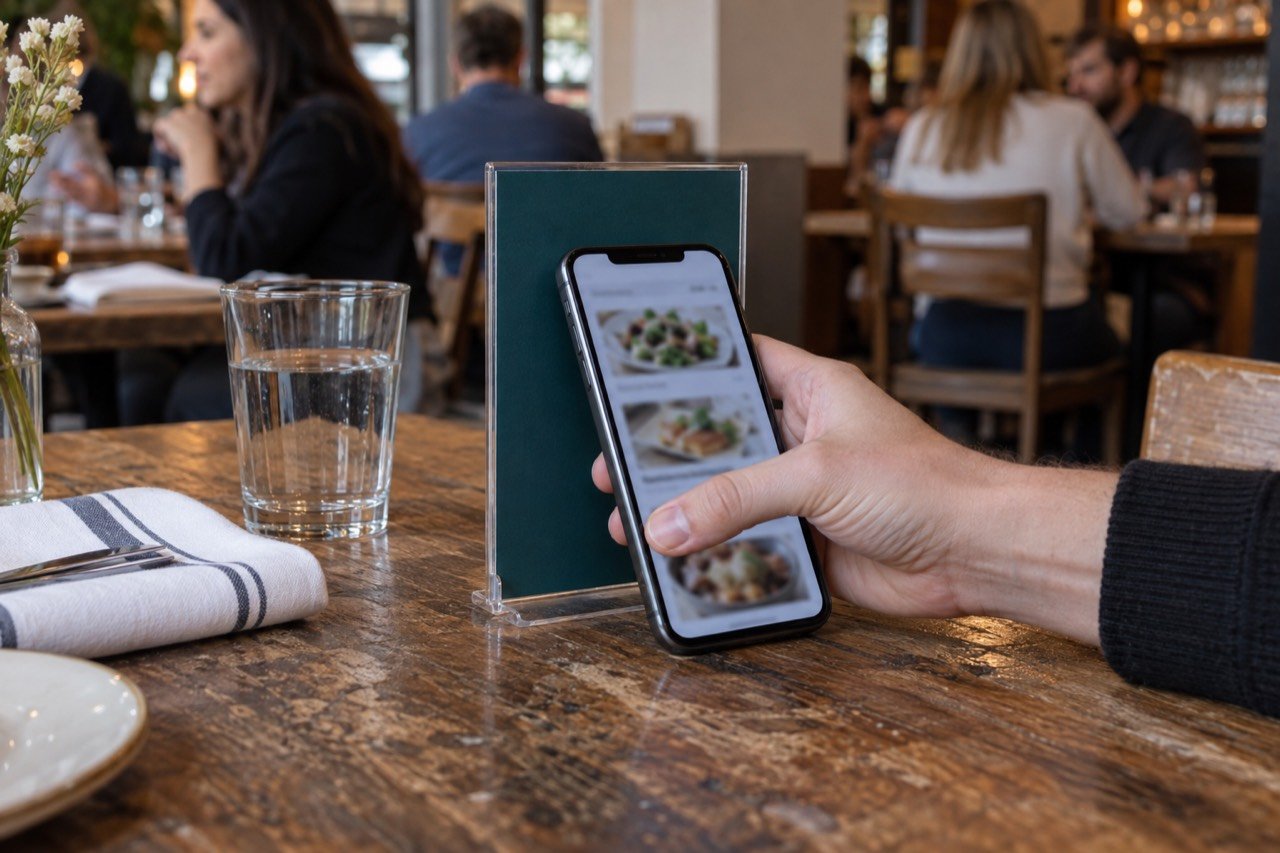
What your staff and owners see.
The staff portal is a progressive web app, so staff open it on any desktop, laptop, tablet or phone. No dedicated terminal is needed.
- Live orders and kitchen view. Orders arrive instantly, with a live kitchen and bar view.
- Menu management. Update items and availability at any time, from happy hour specials to a sold-out dish.
- Sales dashboard. See what is selling across the day.
- Control in the rush. Tickets move from New to In progress to Ready, with a sound for each new order. If the kitchen falls behind, staff pause tap-to-order from the portal and switch it back on when the tickets clear, and a sold-out item comes off every display with one tap.
- Owner access from anywhere. Owners and managers can open the portal at home to see live data: what is selling, busy periods and analytics.
- On Growth Engine. The Algorithm paces the kitchen: each dish is fired by its prep time so a table's food lands together, guests see an honest wait, and new orders slow automatically when the kitchen is maxed. Real-time analytics, peak-hour heatmaps and customer patterns show when to staff up, what regulars reorder and when they come back, and the heatmaps turn into a prep list so Friday's wings are ready before the rush. Smart upsells and timed happy hours sell the next round, stock counts itself from every sale, and menu performance shows which dishes earn their place and which to reprice or cut.
- On Pro Command. Predictive inventory forecasting, labor insights and a multi-location dashboard for groups running more than one NYC venue. A small NYC chain sees up to 5 locations side by side on sales, waste, food cost and labor, runs one menu with local specials and prices, and gets staffing by hour from real orders, which matters in a city where wages are the cost you manage most closely. Running 6 or more locations, or a franchise? The Group HQ plan has custom pricing: book a call.
A quick way to size missed orders.
Multiply the orders you think you lose each week by your average ticket. The result is your estimate, not a Tap2Order promise.
For example, a venue that believes it misses 20 orders a week, because guests give up waiting or a round never gets ordered, at an $18 average ticket, is looking at $360 a week, or about $1,560 a month. Set that against Essential Core at $297 a month. Whether tap-to-order recovers any of that depends on your traffic, menu and staffing, so use your own numbers and test them against the demo and a call with us.
Comparing ordering systems
If you are weighing Tap2Order against a POS-led ordering setup, read the side-by-side pages: Tap2Order vs Toast, Tap2Order vs Square and Tap2Order vs Bite. Tap2Order does not require replacing your POS.
NYC venue owner questions, answered.
How does a guest start?
An NFC tap or QR scan on the table display opens your menu in the phone browser. Guests browse, customize and order from there. No app is needed.
Is setup available in my borough?
Yes. NYC setup covers all five boroughs: Manhattan, Brooklyn, Queens, the Bronx and Staten Island. The NYC 7-day launch guarantee in the setup steps above applies in every one of them.
Will it work with my POS?
Tap2Order is not a POS replacement and does not require one to change. Orders arrive in the staff portal. Custom integrations are part of the Pro Command plan; talk through your specific POS on a call.
What will it cost?
Essential Core is $297, Growth Engine $597 and Pro Command $997 per month, or prepay annually for 2 months free. There is no per-order commission, and the setup fee waiver and its terms are in the NYC pricing section above.
Do guests need to download an app?
No. The menu opens in the phone browser after a tap or scan, with no app download and no guest account.
Who comes to set up my venue?
A uniformed Tap2Order team member, who programs and places the printed table displays, gives a quick in-person demo and trains your staff on the staff portal.
Is there a contract?
Yes. The initial term is 3 months, then quarter to quarter; the cancellation terms are in the NYC pricing section above. It is not a cancel-anytime plan.
Does Tap2Order take a commission on orders?
No. Tap2Order charges a flat monthly fee with no per-order commission. Guest card payments are processed by your own payment processor at its standard rates.
Do I need to buy hardware?
No. There are no terminals to buy and no tablets to lease. The printed NFC and QR displays are included, and the staff portal runs on any device you already own.
How do I contact Tap2Order?
Call or text (302) 463-0442, or email MoreARR@TapToOrder.co for sales. Existing customers can reach Support@TapToOrder.co.
Built in NYC, for NYC.
New York City is Tap2Order's home base, and we install in person across all five boroughs. A compact counter, a crowded bar, a dining room and a mobile food operation need different pickup, payment and staff handoffs. The borough pages cover what changes from one part of New York City to the next.
What the seven-day setup clock means
For an NYC venue, the seven days in the launch guarantee above run from the onboarding call. On that call we learn your venue: menu format, items and modifiers, table or pickup numbers, staff contacts and where each order is handed off. The clock runs once we have your menu and venue details.
What to confirm in a walkthrough
Try the sample guest ordering and kitchen view, then book a call and we walk you through the staff portal set up for your venue: an item marked sold out, a correction, a staff-assisted order and the alert you get if the order screen goes offline. Guest card payments run through your own processor at its standard rates, set up during onboarding, and Tap2Order runs next to your POS.
Tap2Order also accepts nationwide inquiries. Outside NYC, availability and timing are confirmed for the specific venue rather than inferred from a city page.
Walk through your NYC venue.
See the interactive flow, then discuss the real service questions with Tap2Order. We set up in person anywhere in New York City, and the 7-day launch guarantee applies in every borough. Bring your busiest night and your menu, and we will show where the next round stalls and how the same team can take more orders.