
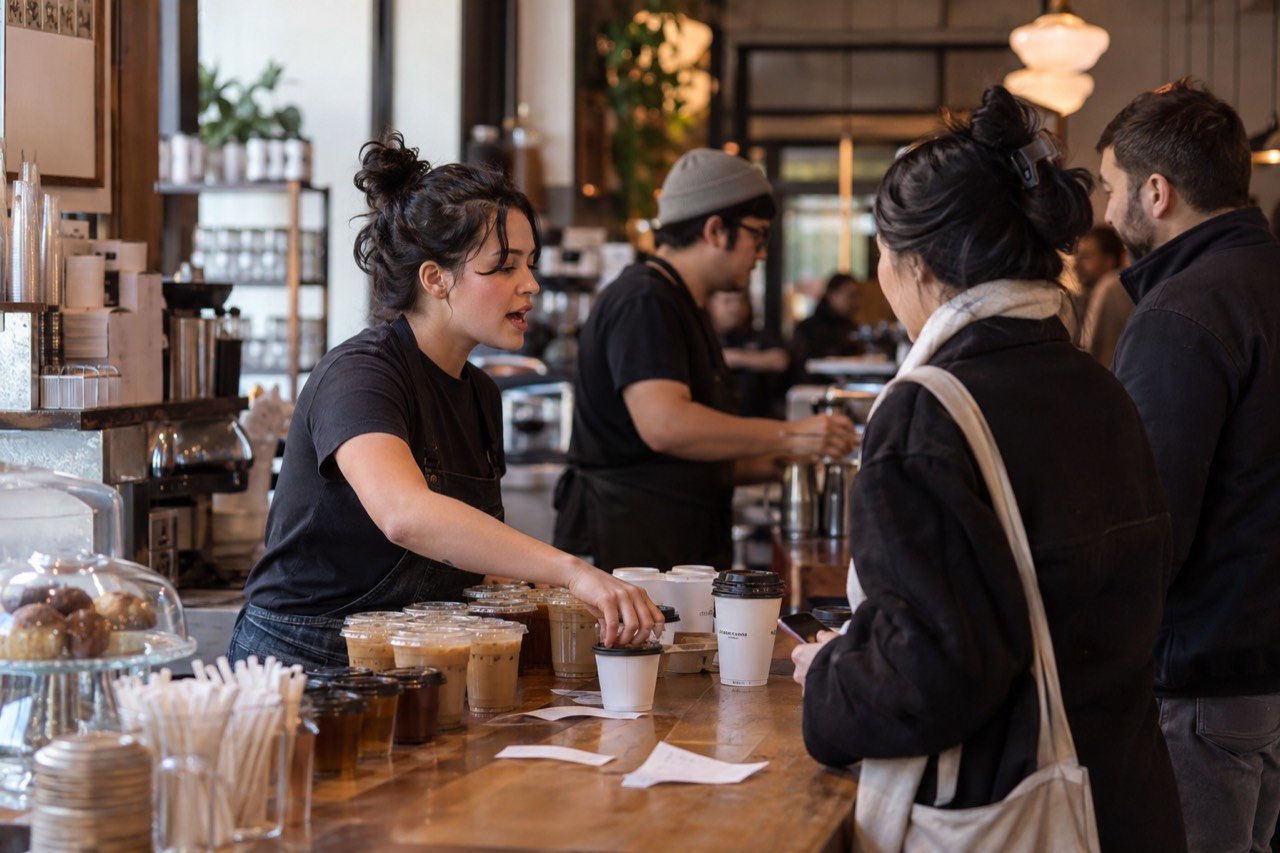
Digital ordering for independent cafés: what to test
Digital ordering for an independent café comes down to one question: does it make the morning easier for guests and baristas?
The rush is a handoff problem
A digital menu may let a guest choose size, milk and food before reaching the counter. That only helps if baristas receive a readable order and pickup remains clear.
Watch the moment when orders are handed to the prep line. Are modifiers visible? Can staff correct an unavailable item? Does a guest know where to collect a drink?
Keep the counter
Some guests want a recommendation, need help with an allergy or prefer to pay in person. A mobile route should be an option alongside service, not a barrier to it.
Put signage where it helps, without requiring everyone to use a phone.
Run one realistic trial
- Use a morning menu with your actual item names.
- Try a customized drink and an unavailable pastry.
- Time how a test order is acknowledged, prepared and collected.
- Ask a barista which details were clear and which were missing.
- Check the experience on a small phone and with large text.
Tap2Order demo
The interactive demo shows the ordering and kitchen sequence. On a call, ask to see menu editing, pickup communication and payments for your café.
Start with the morning queue, not a feature list
A café queue often contains several jobs at once: choosing, paying, explaining a milk preference, preparing drinks, and matching finished orders to people. Track which step actually limits throughput during the busiest thirty minutes. A tap or scan path can let a regular choose before reaching the counter, but it will not make an espresso station faster. If production is the constraint, the order channel needs pacing and a reliable pickup process.
Watch how often baristas have to ask a follow-up question. If "iced," milk choice, size, extra shot, or food warming is ambiguous in a digital menu, the line moves into a different part of the room. Test menu labels with guests who have not helped build the menu. Ask them to place a normal order and a modified one without prompting.
Make pickup easier to understand
A counter order has a natural human handoff. A phone order needs an equally clear pickup name or number, location, and status. Decide whether the guest waits inside, outside, or at a separate shelf. Staff need to know when an order is ready for pickup and how to handle a guest who arrives before the item is prepared. If the café has limited space, a poorly placed pickup point can interfere with the line the system was meant to help.
Use a service test to find the confusing edges: two guests with the same first name, an order missing an item, a drink remake, and a sold-out pastry. A simple manual correction process can be more valuable than a complex screen that staff cannot override quickly.
Loyalty and tips: what to ask any provider
Repeat visits and tips matter to many cafés, but neither is automatic because an order moved to a phone. Ask exactly whether a proposed system supports a loyalty program, how a guest joins it, what data is stored, and how staff can help someone who does not want an account. Similarly, request the tip flow and settlement details before assuming a digital prompt will change behavior.
Tap2Order's answer: on every plan guests add a tip at checkout and a daily tips report shows the total for payroll; Growth Engine adds one-tap reorder and customer patterns. Compare what each provider will commit to in writing, not what a chain app shows in a store.
Measure a useful café pilot
Choose a consistent peak window and a modest pilot area, such as a few tables or a defined pickup path. Record order start-to-acknowledgment time, ticket clarity, remakes, staff interruptions, and how guests found the entry point. Ask whether the digital channel brought genuinely additional orders or simply moved counter orders to a phone. Record the staff's view as carefully as the guest's.
A good result should be repeatable on a busy day with normal staffing. If the order system requires a manager to rescue every exception, the implementation is not ready. If it gives regulars a quick path while preserving help at the counter, the venue has a stronger basis for deciding whether the monthly cost is justified.
Explore the workflow
Read the related venue guide or try the sample ordering flow before booking a conversation.
Try the demo