
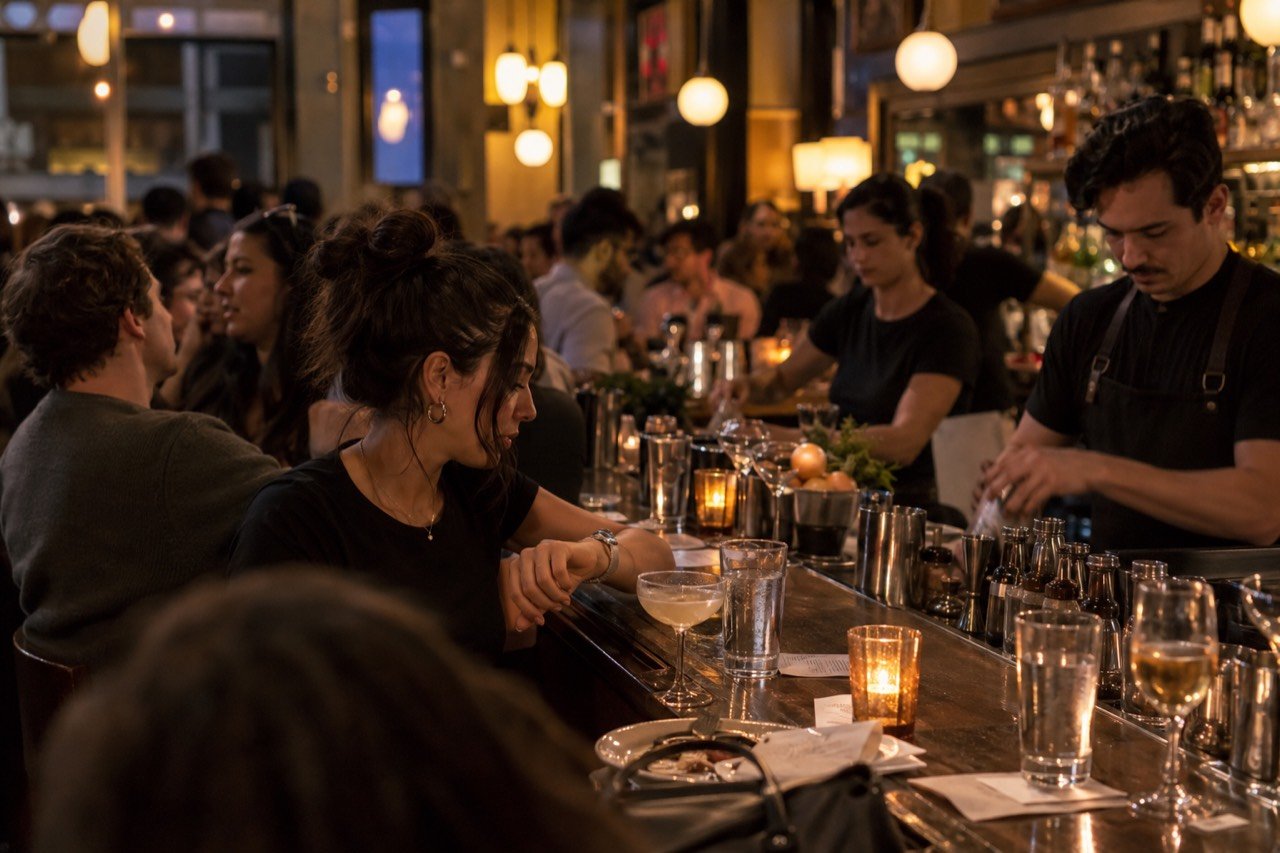
Why busy bars miss orders on Friday nights
Busy bars miss orders on Friday nights long before anyone calls it a lost sale.
Watch where the next round stalls
A guest ready for a second round may wait while the bartender handles a queue of new orders. Another guest may decide to close out instead. One peak shift of watching tells you more than any estimate.
Walk the room on a peak shift and note where guests try to order, where staff are standing and how requests reach the bar.
Map the handoff
The difficult part is not opening a digital menu. It is ensuring a new request joins the bar workflow at the right time, with the right item and table, while staff keep control of service.
Age checks, responsible service, availability and unusual requests remain human decisions. A digital path should make those decisions easier to see, not bypass them.
A short field checklist
- Observe a peak hour from the guest side.
- Count how many separate ways an order reaches a bartender.
- List choices that commonly need clarification.
- Decide how a digital order would be acknowledged and served.
- Test the sample flow with a bartender before changing service.
Where Tap2Order fits
Try the public demo to see how a guest order appears in a kitchen or bar view. Then discuss the real production queue, payment and staff responsibilities for your venue.
Find the real bottleneck in one busy shift
Pick a representative Friday and observe the path from a guest deciding to order another round to that round reaching the table. Do not start with a guessed dollar value. Note when guests wait to make eye contact, when staff re-enter orders, and when a bartender has to clarify a modifier. Separate the wait to place an order from the wait to prepare it. A digital ordering path can address the first bottleneck; it cannot add capacity at a crowded bar station.
Count a small, practical sample rather than every transaction: ten orders during the peak, the time from request to staff acknowledgment, and the number of corrections. Ask staff where interruptions happen. The numbers become a baseline for evaluating a trial. If the biggest delay is glassware, prep space, or payment closeout, fixing those may matter more than adding another order channel.
Define ownership of the second channel
When guests can order by phone, someone must still see and accept those requests. Decide whether the bartender, a service bartender, or a floor lead watches the incoming queue. Give the order a location that staff can act on, and make it obvious when a table changes hands. If the venue serves drinks that require an ID check or a conversation, keep that human checkpoint in the workflow.
The best handoff reduces repeated questions. It should not require bartenders to monitor another screen while making drinks unless the staffing plan accounts for that work. Walk through an order with a sold-out beer, a changed table, and a guest who submitted twice. Those cases matter more than a perfect sample order.
Protect service quality while testing speed
Bars sell atmosphere as well as drinks. A guest who wants a recommendation, a custom cocktail, or help choosing a nonalcoholic option should still be able to ask a person. Some guests may prefer a quick reorder from their phone; others may not. Put both paths in view and let staff explain them without pressuring anyone to use a screen.
Any allergy or dietary note needs a clear route to a trained employee. A typed note alone does not confirm ingredients or prevent cross-contact. The venue should decide which requests require a conversation before an item is prepared.
Measure the first month on your own numbers
Compare similar shifts where possible. Look at completed orders per service hour, time until an order is acknowledged, correction rate, staff workload, and guest feedback. Record whether the new channel merely shifted a line from the bar to the kitchen. A change in sales may reflect weather, events, staffing, or menu mix, so avoid calling it a product result without a fair comparison.
Tap2Order's sales dashboard shows what sells and when, so you can compare like with like. Try the interactive demo, then book 15 minutes to get the plan, inclusions and fees in writing.
Explore the workflow
Read the related venue guide or try the sample ordering flow before booking a conversation.
Try the demo