
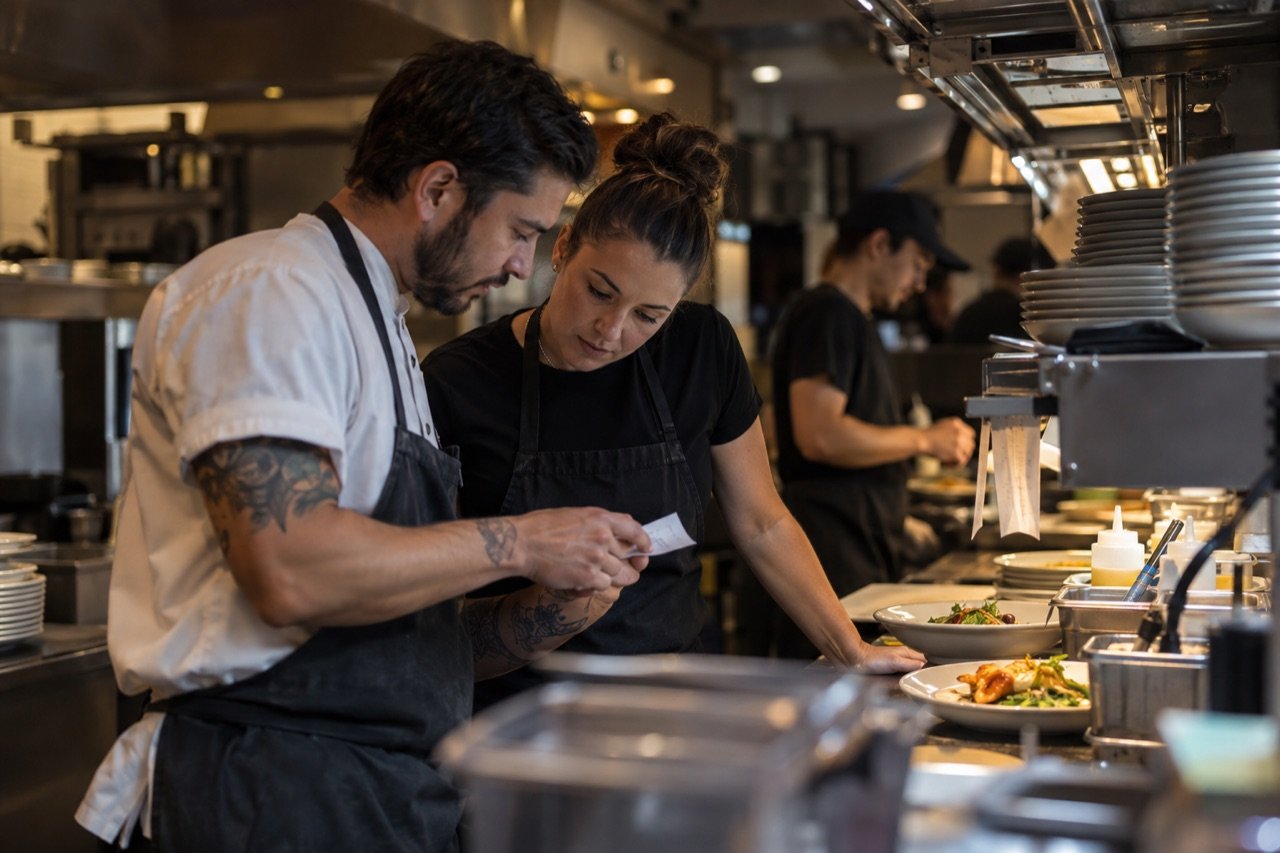
Food allergy orders: keep the human handoff
An allergy note in an app is information to act on, not a safety guarantee.
The digital handoff has limits
A guest may enter an allergy or exclusion while ordering. The restaurant still needs a way for a trained person to review it, discuss uncertainty and decide whether the order can be safely prepared.
Food Allergy Research & Education advises guests to communicate with restaurant staff and ask about ingredients and preparation. A digital order should support that conversation, never replace it.
Design a visible escalation
- State clearly when a guest should speak to staff rather than rely on a note field.
- Ensure the kitchen sees the allergy information in the same context as the item.
- Define who confirms ingredients and cross-contact risk.
- Give staff a way to pause or decline an order they cannot safely fulfill.
- Test the entire path with a realistic scenario before launch.
What technology cannot promise
No interface can make an ingredient list correct by itself. Menus, recipes, suppliers and preparation practices change. Staff training and venue procedures remain the foundation.
In Tap2Order, allergens arrive written out on the kitchen display with the item they belong to, and your staff still confirm with the guest. See it in the sample flow.
Separate preference, intolerance, and allergy communication
A free-text note can contain many kinds of requests. A kitchen team should not have to infer the seriousness of a message from shorthand. If a venue uses digital ordering, decide how a guest can identify a request that requires staff discussion and how the system directs them to a person. Do not design a screen that silently implies every menu item can be made safe with one unchecked option.
Menu descriptions and ingredient information need an owner. Recipes, suppliers, substitutions, and preparation methods can change. The menu publishing process should include a way to update descriptions promptly and a procedure to stop taking an order when staff cannot verify the answer. These are operational controls; software can display information but cannot validate the kitchen's actual practices on its own.
Design the staff escalation before the guest screen
Draw the path of one request: guest message, order receipt, staff acknowledgment, ingredient check, preparation decision, and guest confirmation. Put a named role at each step. Decide what staff should do if the person who normally answers allergen questions is unavailable. A venue should also be able to decline or redirect an order when it cannot meet a request safely.
Test how a ticket looks during a rush. If an important note is clipped, buried below an item list, or separated from the specific food item, the handoff is weak. Staff should be able to tell whether the note was seen and whether a direct conversation occurred. Do not assume that a timestamp alone proves the request was understood.
Practice realistic exceptions
Use a tabletop exercise with a menu change, an ingredient substitution, and an ambiguous guest note. Ask who pauses the order and how the guest is contacted. Then test the process at a busy service pace. A calm demonstration can hide the very interruptions and cross-contact concerns that matter most in practice.
Keep a non-digital ordering route for guests who need a conversation, and make it easy for staff to move an order out of the automated flow. The safest choice may be to ask the guest to speak directly with a trained employee before ordering. FARE's restaurant and dining-out materials linked below provide further guidance for staff and guests; they should inform venue procedures alongside qualified food-safety advice.
Questions for any ordering provider
- Where does an allergy or ingredient question appear in the guest flow and the staff view?
- Can staff pause, correct, or decline the order before preparation?
- Who updates ingredient and preparation information when the menu changes?
- How does the system behave when the network, printer, or display is unavailable?
- What training and review does the venue perform before turning on the channel?
There is no credible "zero allergy risk" claim to make from an ordering interface. Evaluate the human process first, then test whether the technology supports it reliably.
Sources: FARE: resources for restaurants and dining out guidance.
Explore the workflow
Read the order accuracy guide or try the sample ordering flow before booking a conversation.
Try the demo